
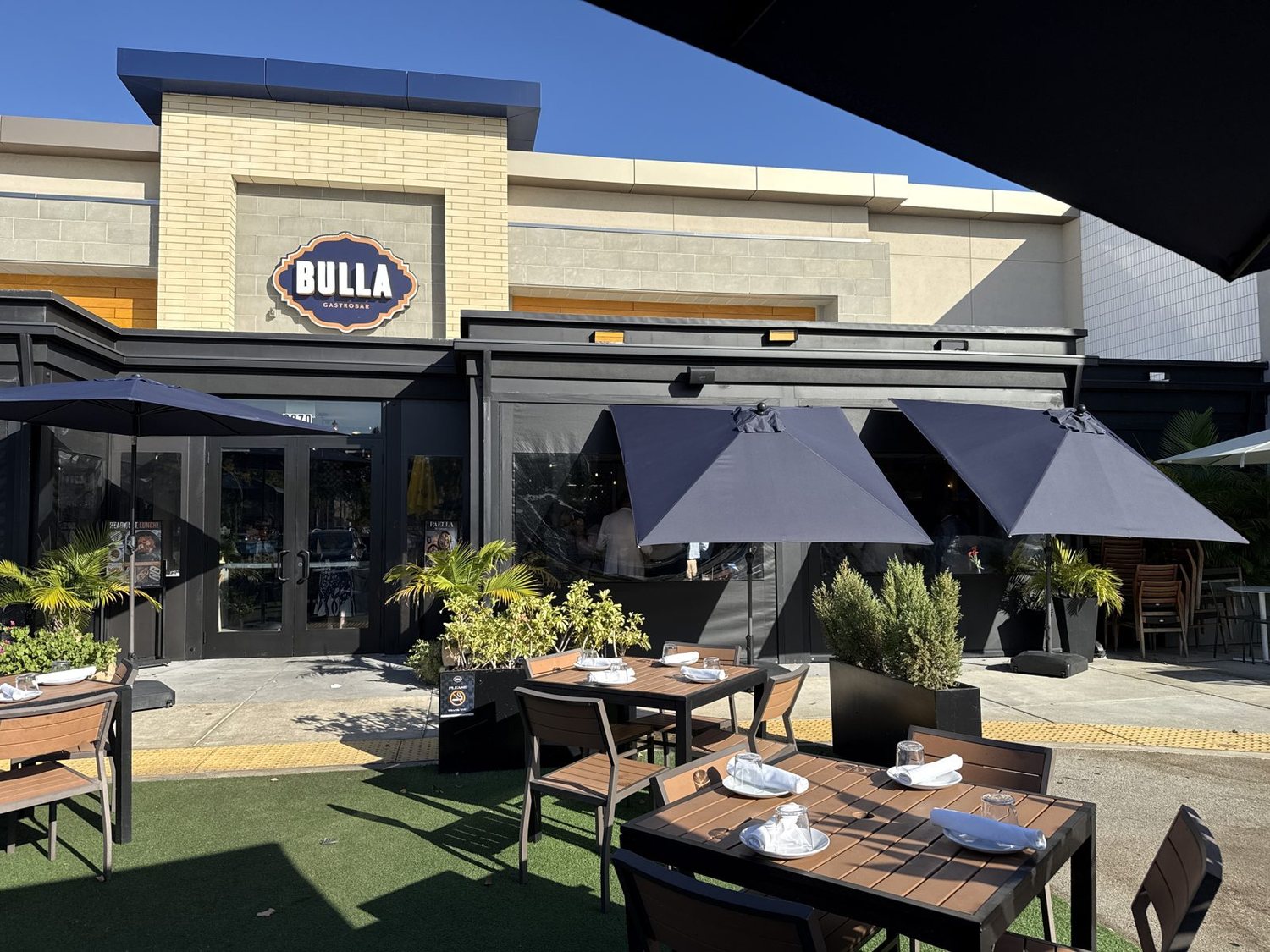
Every inch of your event can earn.
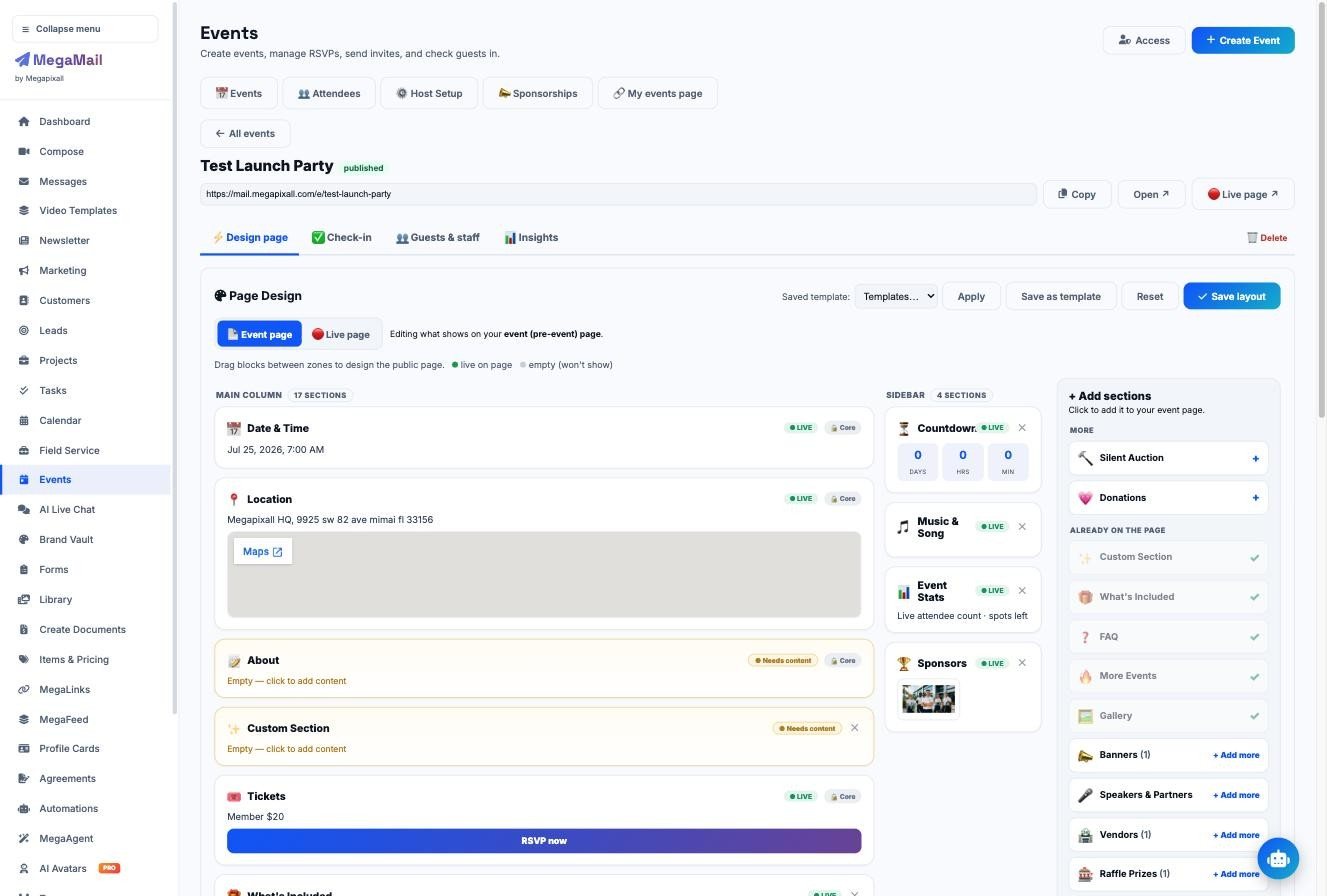
Most event tools stop at the ticket. MegaEvents lets the chamber sell everything around it: sponsorships, banner spots, the venue’s menu and specials, drink tickets, raffle tickets and silent auction bids. It all lives on one event page, and one QR code runs the whole night.
A ticketing app sells one thing. Your event can sell eleven.
The chamber hosts the event, controls every space on it, and keeps the revenue. The venue, your sponsors and your members all pay to be part of it, because the event page, the emails and the screen in the room are worth being on.
Tickets. Sponsors get a logo on a slide someone made the night before. The venue gets your guests and nothing else.
- Member and guest tickets
- Sponsor tiers
- Banner ads on pages, tickets and emails
- Venue menu and specials
- Drink tickets and VIP add-ons
- Raffle tickets
- Silent auction
- Donations and fundraising
- Vendor booths
- Tip jars
- Newsletter sponsorships
Sell the spaces. Control where they show and when.
Add as many sponsors, banners, vendors and partners as you can sell. Pick where each one appears, set the dates it runs, and link it to the sponsor’s site so you can show them the clicks.
- Presenting sponsor, gold and table tiers
- Top and sidebar banners with run dates
- Vendor tables and booths
Sell the venue a spotlight on its own menu.
The venue’s cocktails, appetizers and specials go right on the event page, with a link to the full menu. That’s a promotion the chamber sells the venue, on top of the room. Sell drink tickets with the event ticket; guests show a QR at the bar and the redemption log gives you and the venue the same count.
- Venue specials on the event page
- Drink tickets redeemed by QR at the bar
- A shared redemption log at the end of the night
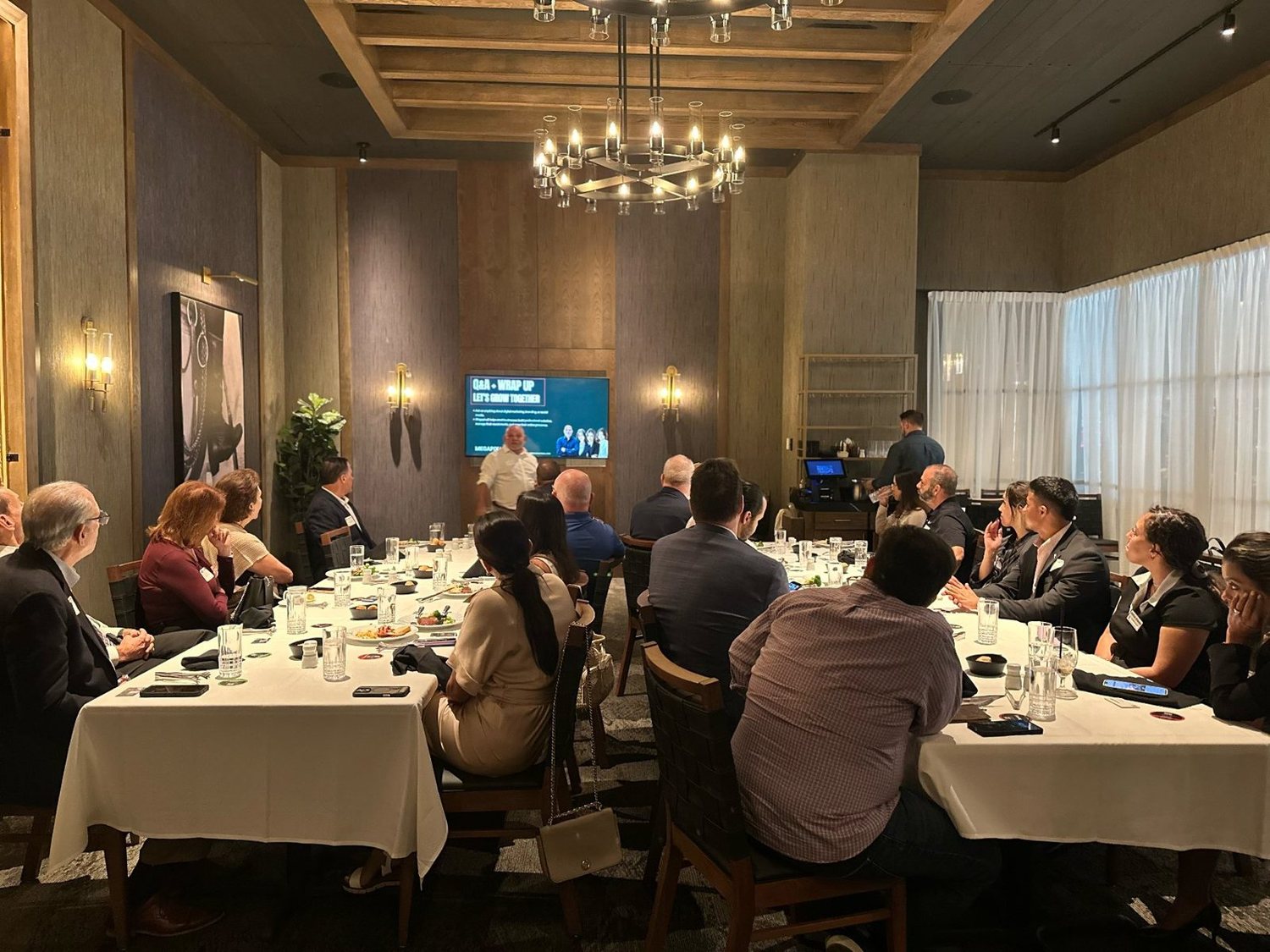
Fundraising that runs on everyone’s phone.
Sell raffle tickets online and at the door, or enter every guest automatically when they check in. Members donate auction items, guests bid from their phones, and the top bids show on the screen while the room watches.
- Automatic raffle entry at check-in
- Phone bidding with live top bids on the wall
- Donation goals on the same page
Example event
Sell tickets. Keep the money.
Tickets and passes sell through the chamber’s own connected Stripe account, so payouts land with you, not us. Every buyer gets a QR ticket they can add to Apple Wallet or Google Wallet in one tap.
- Member, guest and VIP tiers with capacity limits
- Add-ons and bundles at checkout
- Sales tax and service fee set by you
- Walk-up sales at the door
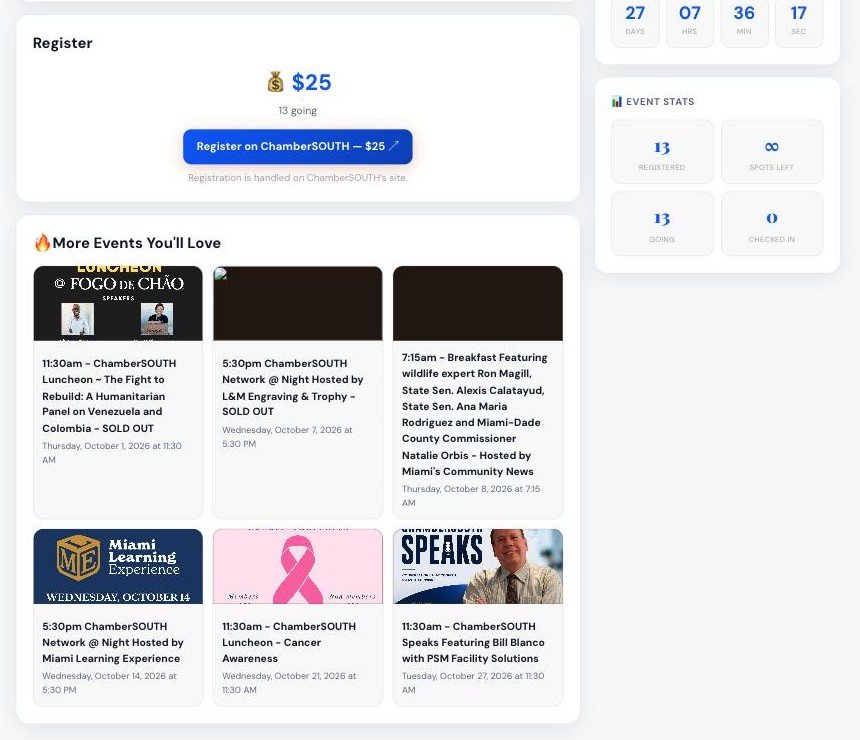
Turn a room of attendees into a member network.
That’s the reason people join a chamber, and here it keeps going after the event. Every badge QR is that person’s own link: scan it to connect, request a meeting or save the contact.
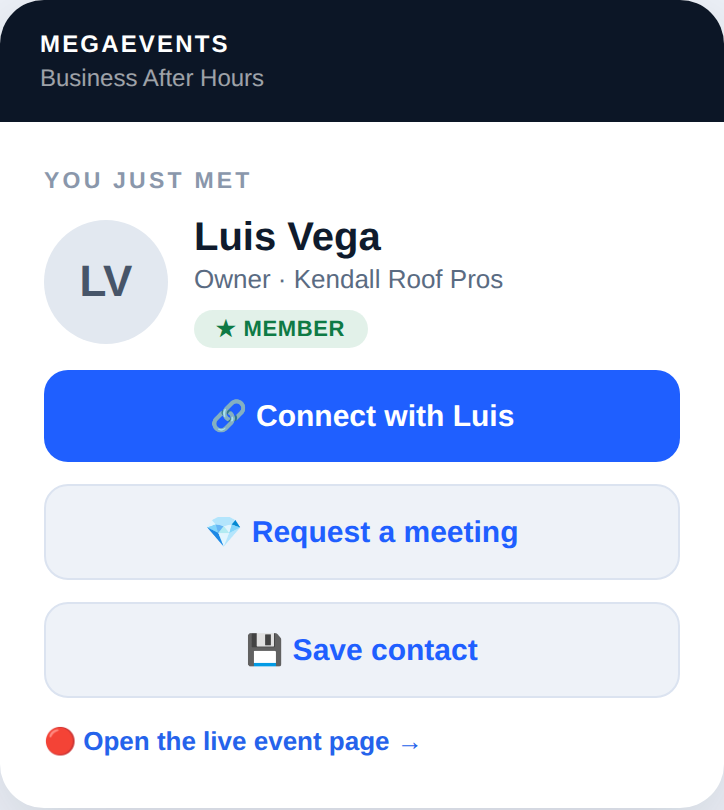
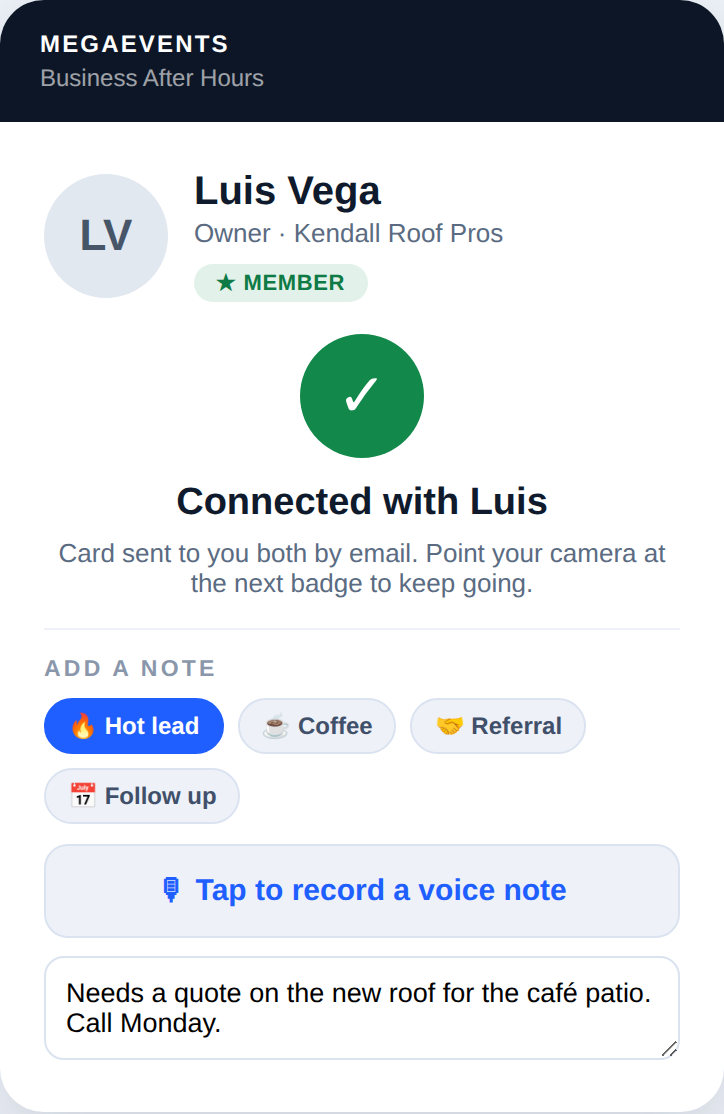
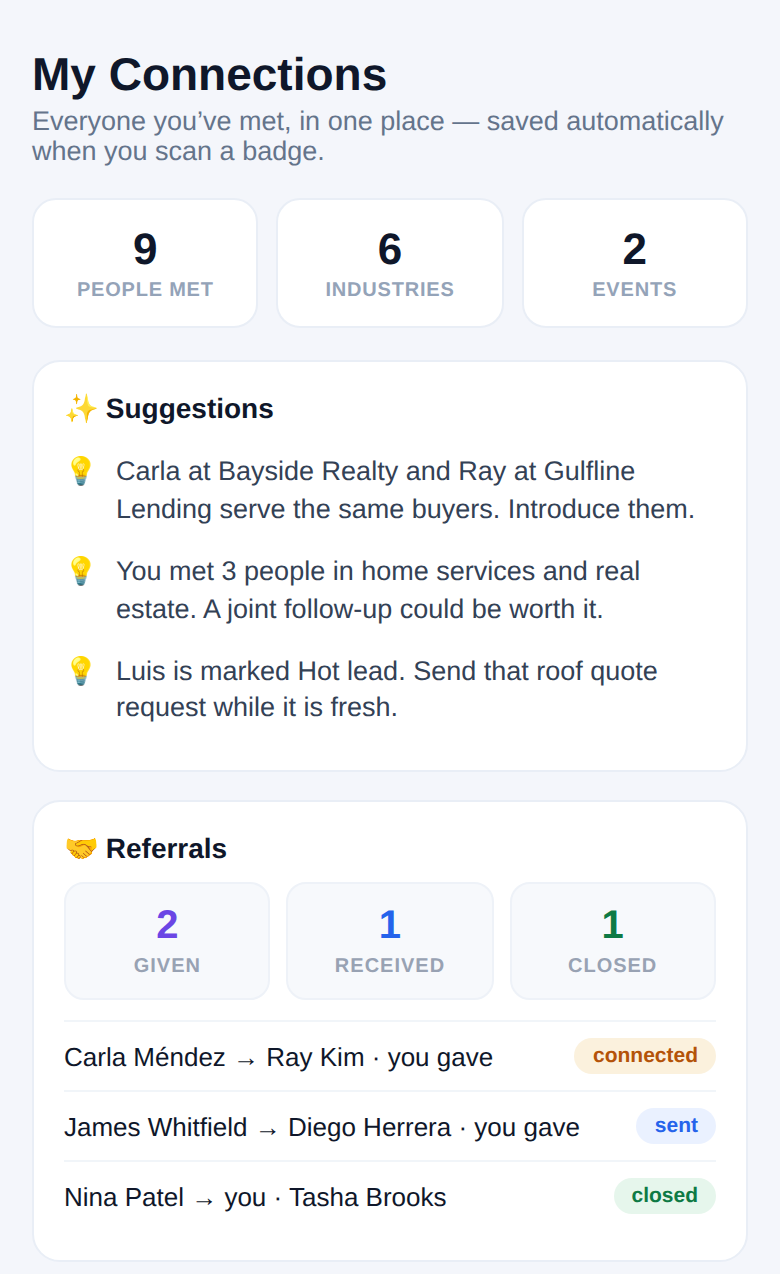
Real MegaEvents screens, shown with sample members. No app to download.
Print every badge yourself. Every badge is a way to connect.
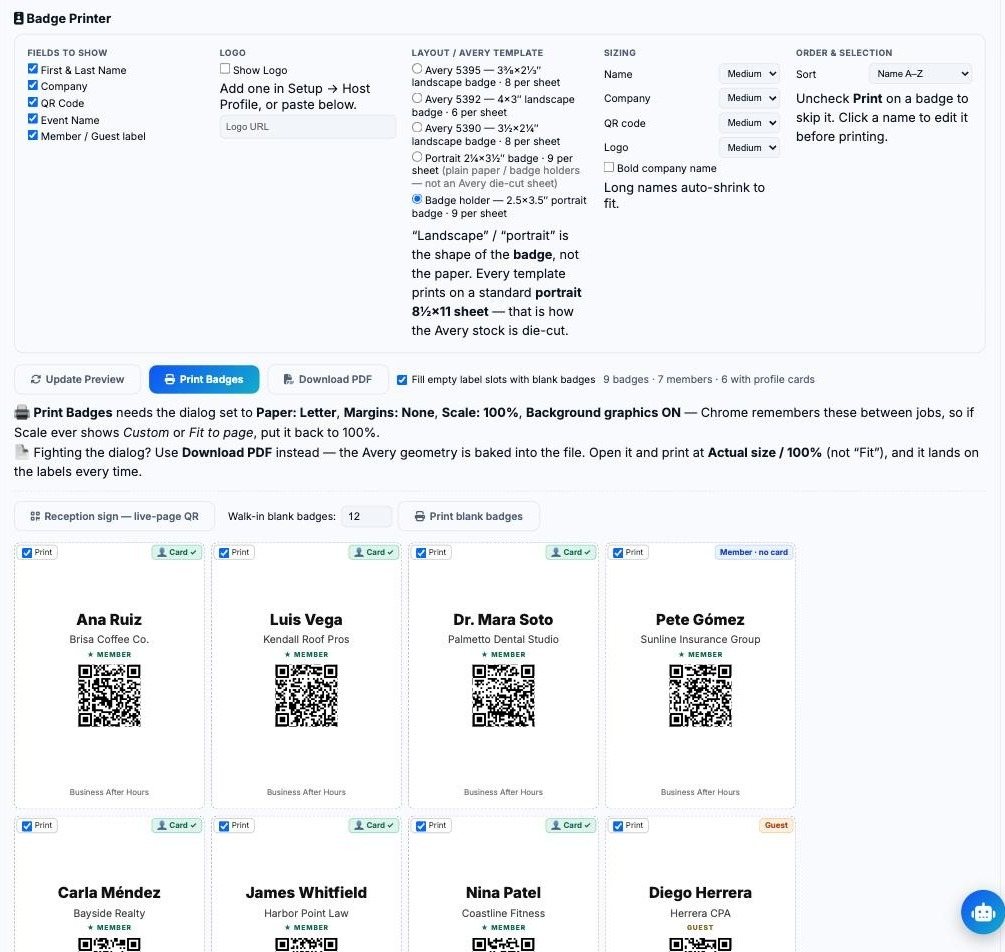
No badge vendor and no hand-written stickers. The Badge Printer lays out your whole guest list for the office printer, and each badge’s QR code is that person’s own link and ticket.
- Avery 5395, 5392 or 5390 sheets, or badge-holder inserts
- Member and guest labels, blank badges for walk-ins
- The same QR checks them in at the door
Scan once at the door. Everything else follows.
At the door
Guests open their wallet ticket and staff scan it with a phone, or guests tap their name on the kiosk. Walk-ins register and pay right there.
At check-in
Turn on automatic raffle entry and every guest who checks in is in the draw.
At the bar
The bartender scans, the drink ticket is used, and the log matches the venue’s count.
In the room
Guests scan each other’s badges to connect. The contact lands in MegaMail with a note.
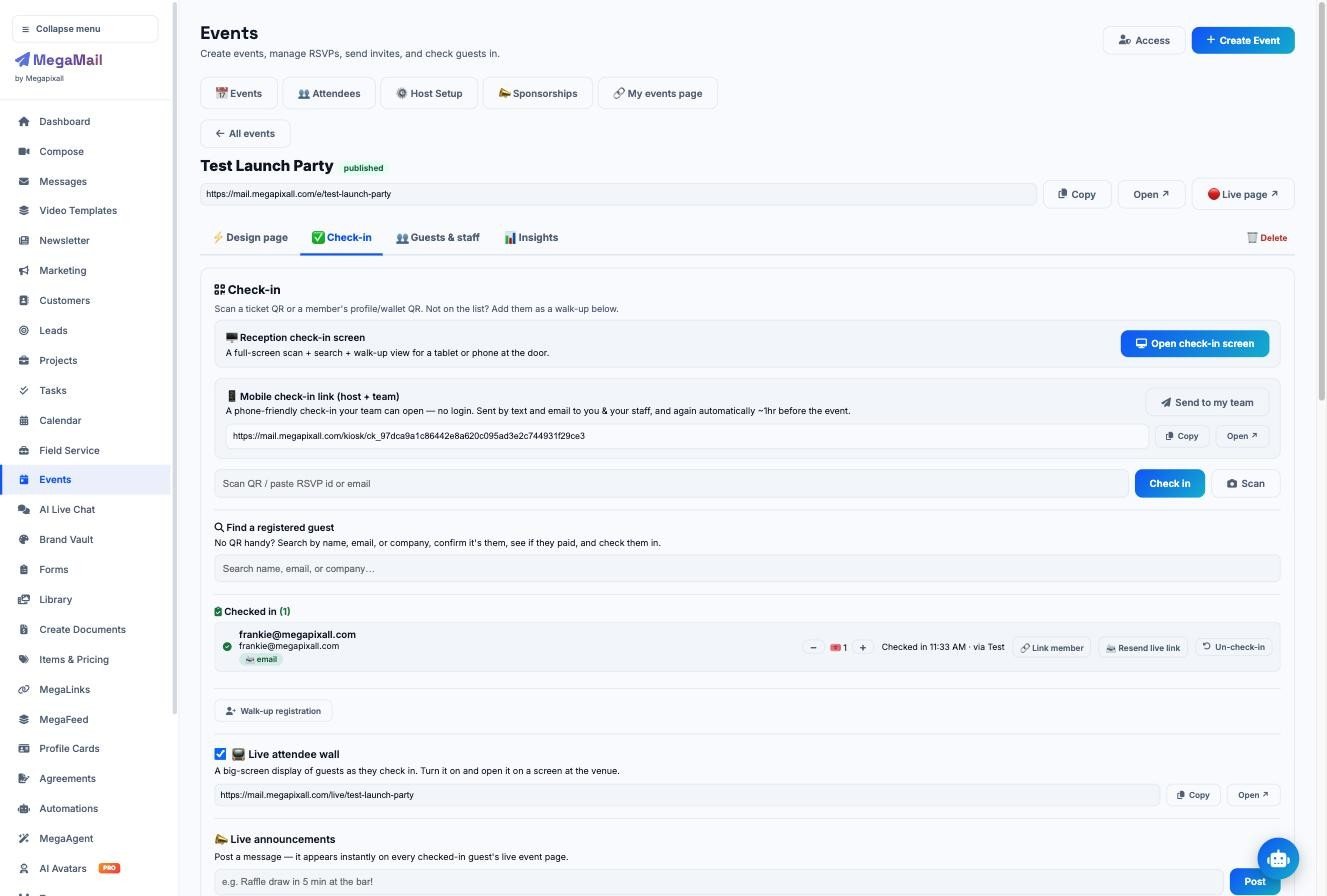
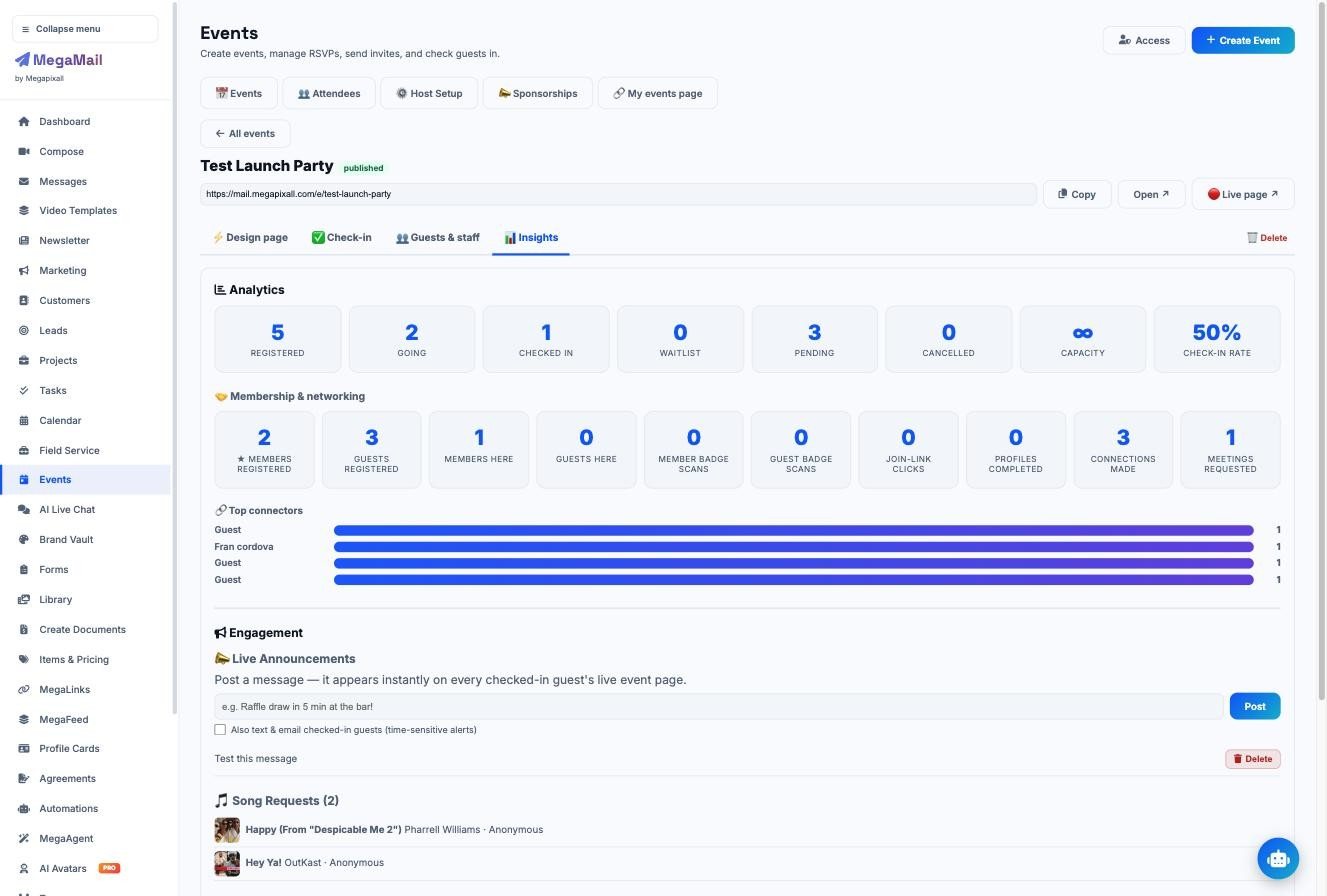
See what the night brought in, by source, before the lights come up.
Live stats for sales, attendance and connections update as the night runs, and staff roles give door, bar and vendor staff only the screens they need.
| Tickets · 80 member, 30 guest | $3,200 |
| Sponsors, banners, vendors | $3,500 |
| Venue promotion package | $650 |
| Drink tickets · 48 three-packs | $960 |
| Raffle tickets | $700 |
| Silent auction · 12 items | $1,010 |
| Donations | $510 |
| From 7 streams | $10,530 |
Your next mixer could pay for the next three.
We’ll map every space you can sell at your next event, build the page with you, and run the QR check-in on the night.
- Your own chamber, loaded into a private demo
- 30 minutes, on video or at your office
- Built and supported by Megapixall in Miami
Prefer to talk? Call (888) 808-1533.